

Schedule events, meetings and deadlines
AI & content
CalendarOne shared calendar for your whole team
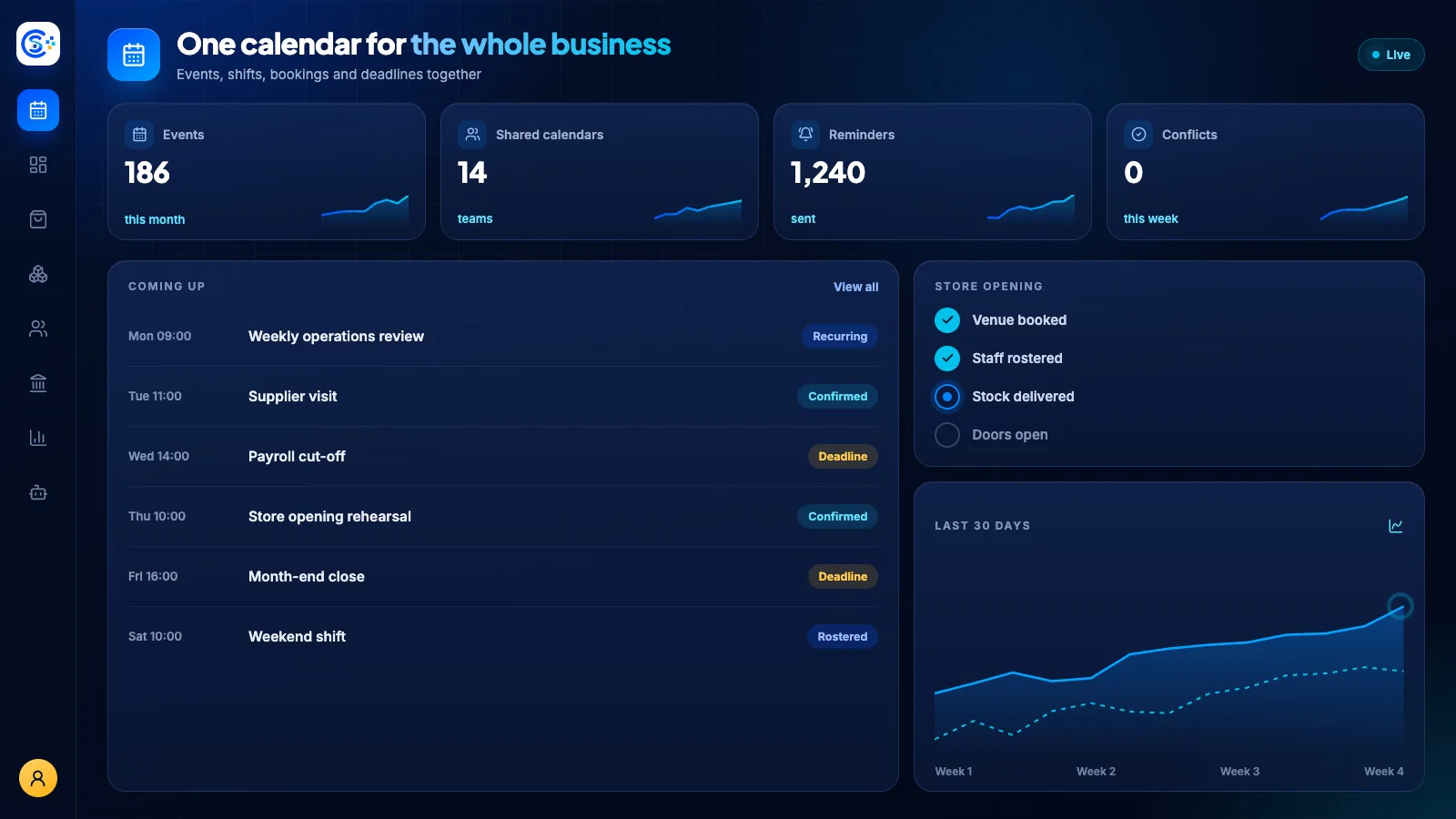
A unified team calendar where you schedule events, invite people and run meetings on Zoom, Google Meet or Teams with links created for you. Bookings, leave, deadlines and CRM dates from across your business show up automatically in one live view.
Một phần của nền tảng mô-đun hóaIncluded free with every planMột cơ sở dữ liệu · Một đăng nhập · Không phải nhập lại
Why it matters
AI only helps when it sees live data and respects who is asking.
Store Console AI works from your current records, follows each person’s permissions and asks for approval before it changes anything.
Bạn sẽ nhận được
Tính năng Calendar cho quy trình của bạn.
Auto-create Zoom, Meet and Teams links
Invite participants and track responses
Add task checklists to any event
Control who sees each event
Live updates and event reminders
Cách hoạt động
Calendar, từng bước.
Schedule
Create events, meetings and deadlines.
Meet online
Zoom, Google Meet and Teams links are created automatically.
Invite
Invite people and track their responses.
Stay on top
Add checklists, choose who sees each event and get live reminders.
Trong trang quản trị
Xem Calendar trong trang quản trị của Store Console.
Bắt đầu với những gì bạn cần
Chạy Calendar trên máy chủ riêng của bạn.
Bắt đầu với module này, thêm các module liên quan khi cần và lưu mọi bản ghi trên máy chủ riêng của bạn.
Xem hướng dẫn
Xem Calendar trong thực tế.
Một lịch cho toàn đội, cập nhật trực tiếp.