

AI-drafted pages from a prompt
AI & content
DocsDocumentation your customers actually read
Build and publish searchable product documentation with organized sidebars, versioning and a polished public reader. Draft pages with AI, write in Markdown and move entire doc sets between sites with one-click export and import.
Część jednej platformy z modułamiIncluded free with every planJedna baza danych · jedno logowanie · bez ponownego wpisywania danych
Why it matters
AI only helps when it sees live data and respects who is asking.
Store Console AI works from your current records, follows each person’s permissions and asks for approval before it changes anything.
Co Państwo otrzymają
Docs — funkcje dopasowane do Państwa procesu.
Full-text live search for readers
Version your docs (v1, v2, v3)
Write in Markdown or HTML
Export and import entire doc sets
Auto table of contents and sidebar
Jak to działa
Docs — krok po kroku.
Write
Write in Markdown or HTML, or let AI draft a page from a prompt.
Organize
The table of contents and sidebar build themselves.
Version
Keep v1, v2 and v3 of your docs side by side.
Find
Readers search the full text live, and you can export or import whole doc sets.
W panelu administracyjnym
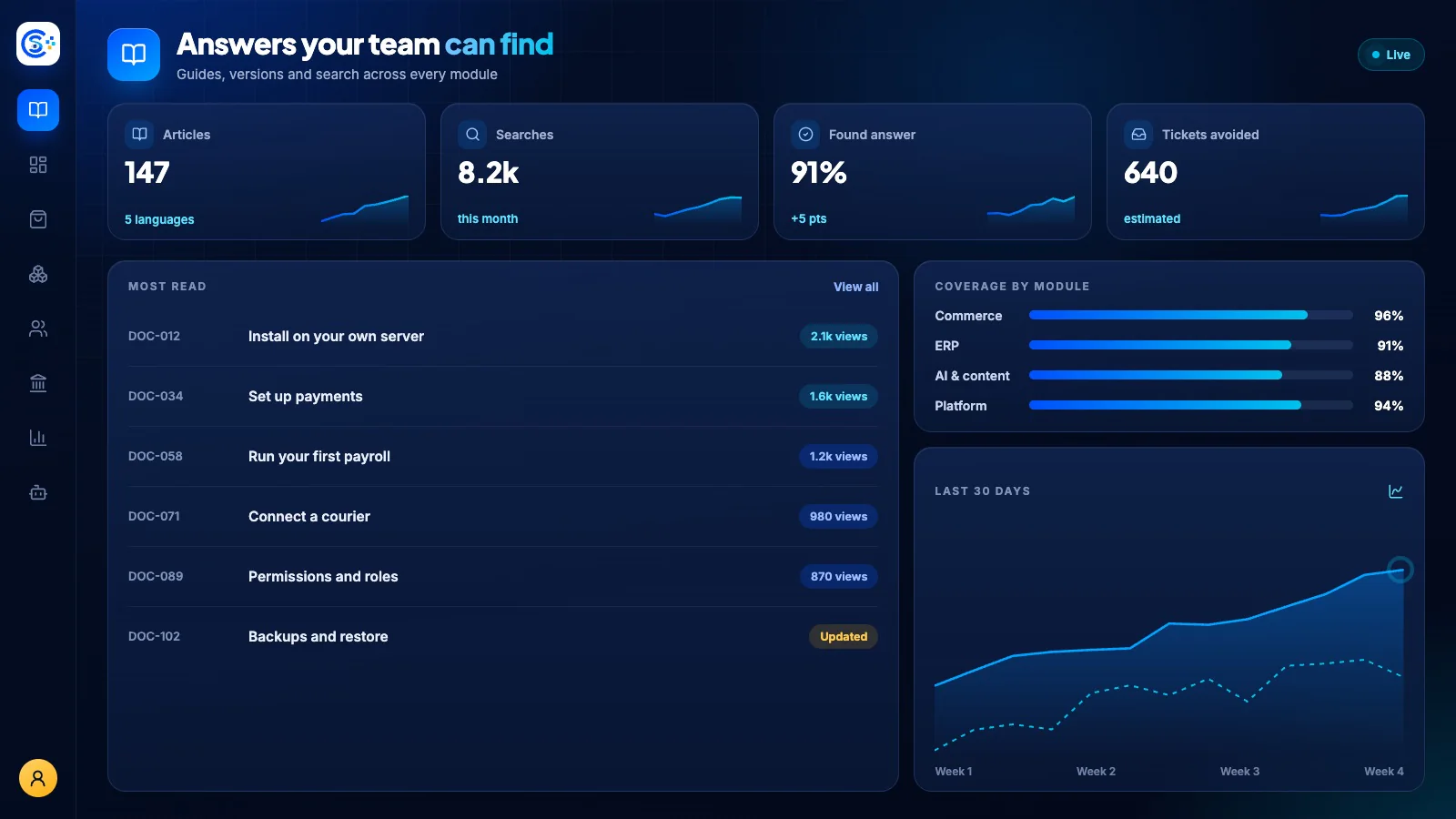
Zobacz Docs w panelu administracyjnym Store Console.
Zacznij od tego, czego Państwo potrzebują
Uruchom Docs na własnym serwerze.
Zacznij od tego modułu, dodaj kolejne w razie potrzeby i przechowuj wszystkie dane na własnym serwerze.
Obejrzyj prezentację
Zobacz dokumentację w działaniu.
Projekty dokumentacji, wersje i strony możliwe do wyszukiwania zarejestrowane w demonstracji na żywo.